PlayTab is moving
PlayTab lives on in Big Picture and our apps
The playtab.fun website is closing: all of PlayTab now plays on bigpicture.playtab.fun and in the PC and Android apps. Same account, same games, same subscription: nothing is lost.
An old game link opens that game’s page in Big Picture.


Download
Pick your device, we’ve already spotted it.
macOS and Linux app coming soon. Meanwhile, Big Picture works in your browser.
Preview
Real screenshots of the apps.


Home: resume your game with one button
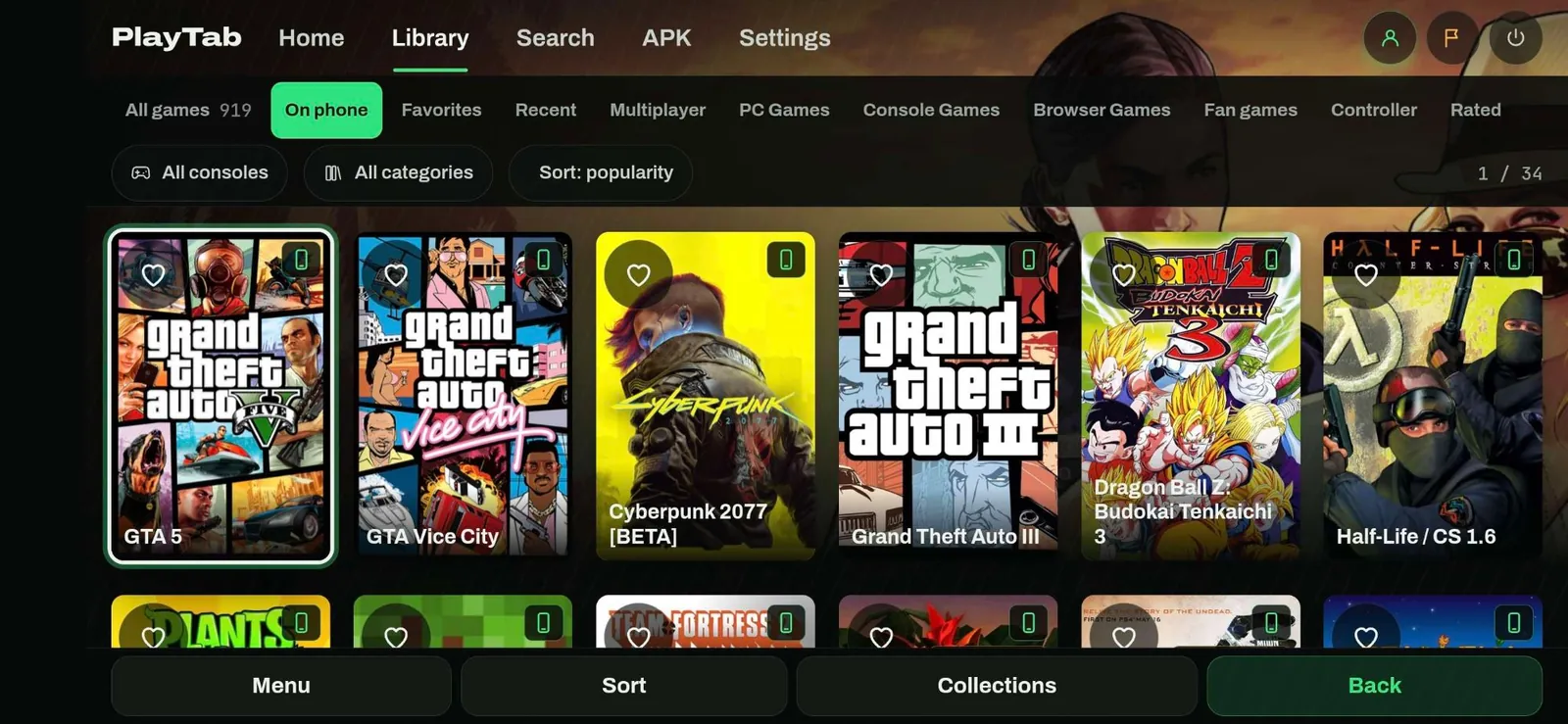


Library: the “On phone” tab
Why we’re moving
One PlayTab, faster and built for playing.
Everything is kept
Sign in as usual with Google or Discord: it’s all already there.
- Your Google or Discord account
- Premium and your subscription, nothing to redo
- Favorites, ratings and collections
- Achievements and play time
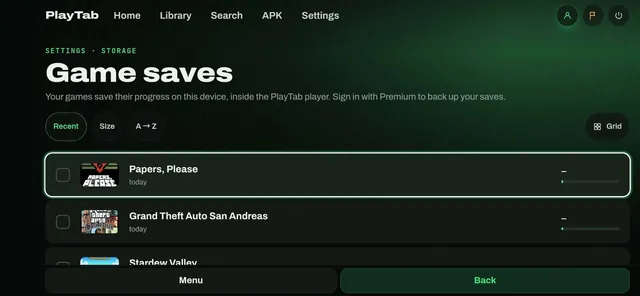
- Cloud saves
- Big Picture settings
What the apps do
All of Big Picture, plus what a browser can’t do.
Questions
Do I need a new account?
No. Sign in with the same Google or Discord account, in Big Picture or in the app: favorites, achievements and saves are already there.
What about my Premium subscription?
It carries on as is: same price, same renewal date, nothing to redo. Premium works in Big Picture and in the apps.
How do I manage or cancel my subscription?
From the My account page, or from the Big Picture menu (Profile). My account →
Windows says “Windows protected your PC”
That’s normal for a new app. Click “More info”, then “Run anyway”. The app needs no administrator rights.
Android blocks the APK install
The app isn’t from the Play Store: allow “Install unknown apps” for your browser when Android asks, then open the PlayTab.apk file.